Rules of Survival Legacy Legacy Planning Tools
Compare classic ROS weapons and run a drop checklist before Myth's PC build goes live.
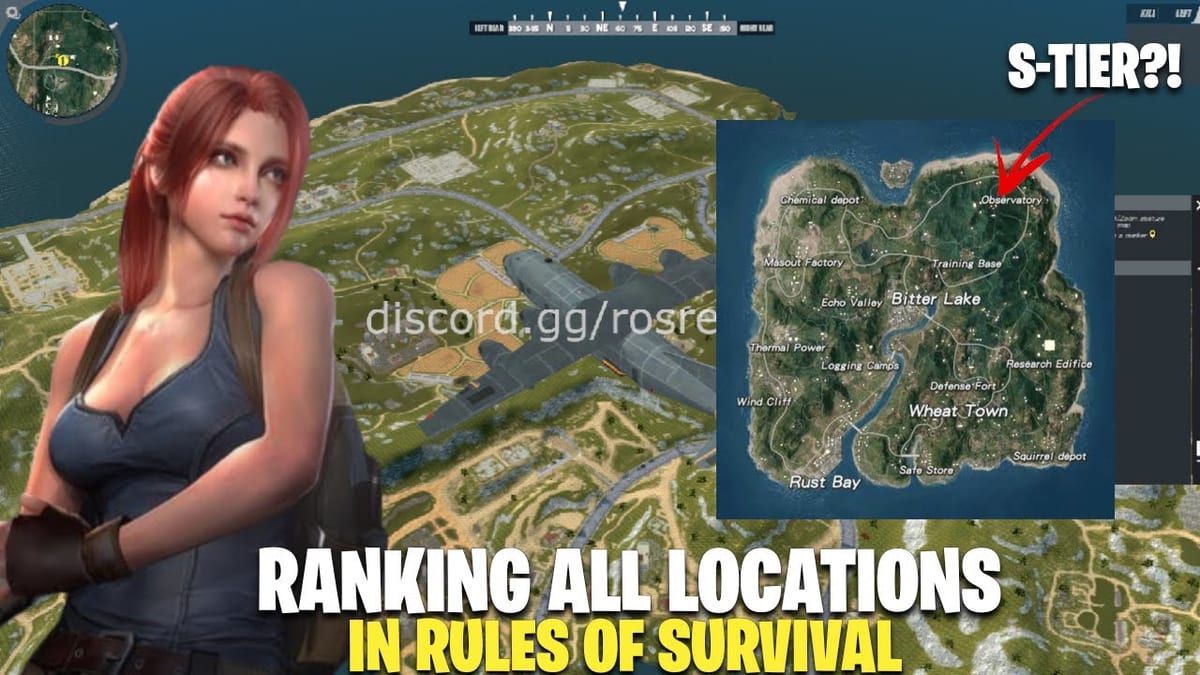
Tools on this wiki help you practice decisions without pretending Rules of Survival Legacy is fully released. Myth Games still lists the project as Under Development for PC, and the original NetEase ROS servers went offline on 2022-06-27. These pages reuse classic gun knowledge and squad habits so you arrive prepared the day Myth posts a verified installer—not a risky APK mirror from a random SEO site.
Featured Tools
Weapon Compare
Side-by-side classic weapon stats for M4A1, ACR, QBZ, Thompson, AWM, and SVD. Use the interactive panel mid-page when you are choosing between two rifles after looting. Pair results with Solo Loadout or Squad Loadout so your pick matches role and map rotate. The compare table shows damage, fire rate, recoil control rating, effective range, and loot priority for each weapon.
Drop Planner
A printable-style checklist covering: confirm Discord news, pick hot drop versus safe route, align AR roles with squad, tune sensitivity, call first rotate, and split meds or attachments. Run it before scrims or community playtests announced on the Myth Discord. The drop planner removes decision fatigue by pre-committing to choices before you are under pressure.
When to Use Tools Versus Guides
Guides explain why a loadout works. Tools compress what to click in the moment. If you are new to ROS or returning after the 2022 shutdown, read Getting Started first, then loop through Weapon Compare while watching Myth’s updates on the Release Timeline. The combination of reading guides for strategic understanding and using tools for in-moment decisions creates comprehensive preparation.
Data Sources and Limits
Stat labels come from classic ROS community knowledge and test footage—not from unreleased Legacy binaries. Myth may rebalance fire rates, loot pools, or attachment slots before launch. We update tables when official patch notes appear in Updates section. Do not confuse these tools with Rules of Survival Revival or Roblox Rise of Survival stats. Those are different projects with different executables and balance patches.
Safety Reminder
No tool here hosts a game download. If a third-party site promises Legacy tool plus APK in one installer, treat it as high risk malware. Official news flows through Myth’s site and Discord only. Bookmark roslegacy.net and verify every access claim against pinned Discord messages.
Practice Loop for Returning Veterans
If you last played NetEase ROS before 2022-06-27, run this weekly loop until Myth announces a public test:
- Read the latest Release Timeline entry for verified signals only
- Pick a loadout on Solo Loadout or Squad Loadout based on tonight’s goals
- Open Weapon Compare and test two rifles you always fought over in the original game
- Run Drop Planner with your stack before any scrims or practice matches
- Ignore APK ads promising Legacy plus codes in one installer
This loop keeps skills sharp without treating Rules of Survival Revival or Roblox Rise of Survival clips as Myth patch notes.
Related Links
Builds Hub for full loadout write-ups. Tier List for broader meta rankings. Review Hub for project credibility and comparison articles. Codes for why promo codes are not live yet.
Frequently Asked Questions
Quick answers to the most common questions.
Do these tools work inside the unreleased Legacy client?
They run on this wiki in your browser. They help you plan loadouts now and will be updated when Myth publishes verifiable in-game stats. No download or client required.
Which tool should squads open first?
Use Drop Planner before queueing together, then Weapon Compare when two players contest the same rifle spawn. Running through both tools before a session prevents in-game arguments and ensures team cohesion.
Are weapon stats final?
No. They reflect classic ROS baselines until Myth Games ships official patch notes for Legacy. Treat every number as a reference point, not a guarantee of final values.
Can I suggest a new tool?
Share ideas in Myth Discord if they relate to official mechanics; we add wiki tools when they help most players and match verified facts. Unsourced suggestions cannot be implemented.
Why is there no download button here?
Legacy has no verified public download yet. APK aggregators are unsafe and often unrelated to Myth Games. Only roslegacy.net and official Discord carry authentic access information.
How do tools link to builds pages?
Weapon Compare outputs feed directly into solo and squad loadout guides linked at the top of each tool page. Use them together for comprehensive preparation.