Getting Started with Rules of Survival Legacy
Download the launcher, join Discord, and learn classic BR basics before your first match.
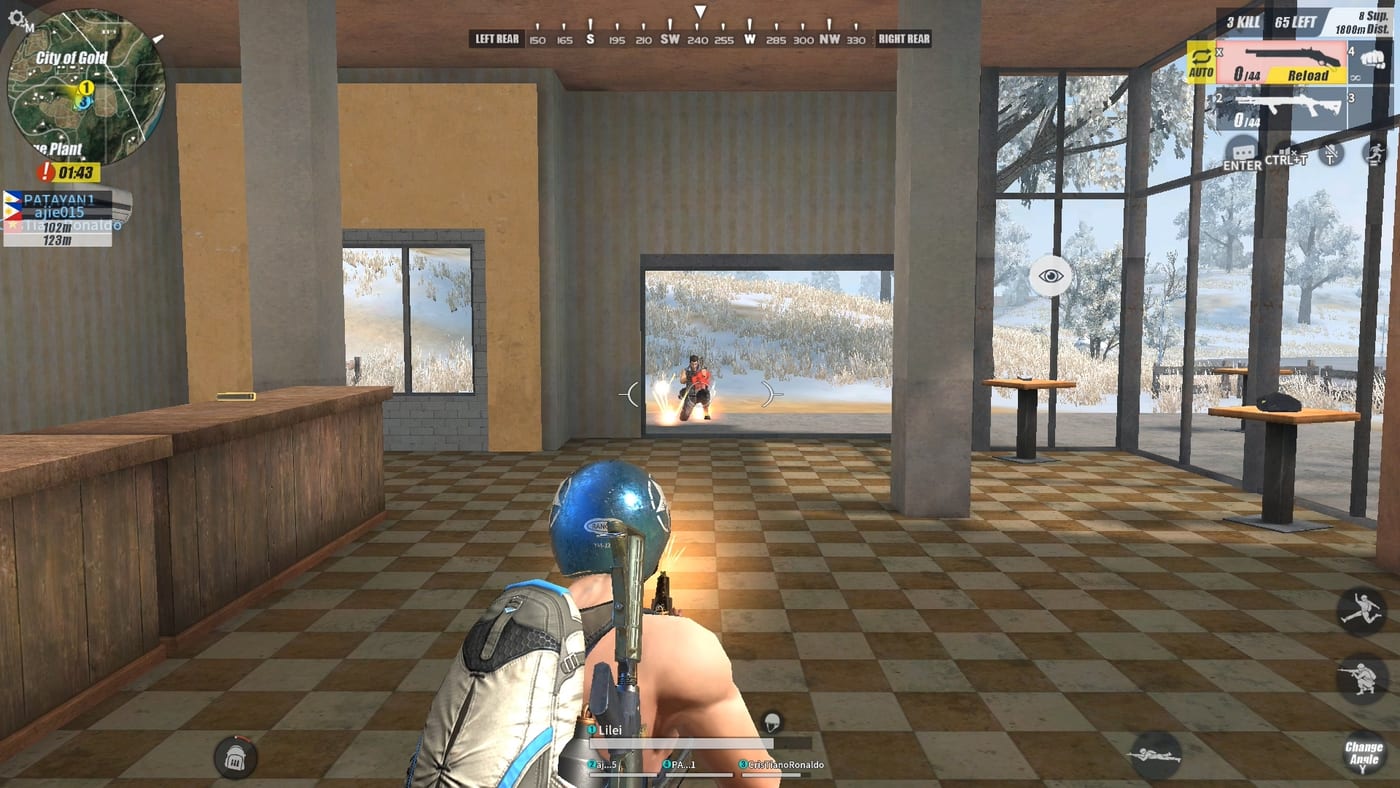
Welcome to Rules of Survival Legacy �?Myth Games’ PC battle royale revival. The game is now LIVE. Download from dl.mythgames.net/rosl/full and start playing. This guide walks you through setup, community joining, and the core BR loop so your first matches count.
The original Rules of Survival shut down on 2022-06-27. Legacy is a community-driven spiritual successor by Myth Games �?same genre identity, new operator. Treat every “download now” banner as suspicious unless it points to dl.mythgames.net/rosl/full.
Step 1: Download the official launcher
Go to dl.mythgames.net/rosl/full and download the Myth Games Launcher. Create your account to start playing. The launcher handles updates and authentication.
Step 2: Join the official Discord
Join Discord using the invite roslegacy. After joining:
Read #rules and pinned announcements Never trust staff DMs offering installers �?real links get mirrored publicly
Discord is how test feedback, corrected timelines, and community events reach players.
Step 3: Verify download safety
Only use dl.mythgames.net/rosl/full. Third-party sites are high risk. When in doubt, use only the links from this wiki.
Step 4: Check your PC hardware
Classic 120-player BR stresses CPU and network in late circles. Compare your rig to recommended specs:
Prefer SSD install space (~40 GB headroom) 16 GB RAM if you run Discord plus browser guides Stable wired connection for peek trades
Step 5: Learn the core BR loop
Read How to play Rules of Survival Legacy for the full drop, loot, circle, win flow. The embedded video shows gameplay pace.
Then drill two skill areas:
How to find loot �?where gear comes from and how fast to leave How to win �?rotations, positioning, endgame discipline
Step 6: Map and meta homework
Open the Maps hub and note major POIs �?cities for hot drops, outskirts for safer starts, ridge lines for rotations. Name recognition saves seconds when the parachute opens.
Browse Weapons tier list to remember which gun families reward aggressive vs passive play. Pair with Solo loadout for a target inventory checklist.
Step 7: Bind your controls early
Do not wait for a live match to fix keybinds. Walk through PC keybinds and align heal, crouch, lean, reload, and inventory keys.
Ten minutes in menus beats dying because you healed the wrong slot during a match.
Step 8: Understand squad roles
ROS Legacy features three squad roles: Vanguard (breach leader), Scout (intel gatherer), and Anchor (defensive position holder). Four-player squads fill these with one flex slot.
Your first hour checklist
Order 1: Download launcher �?Resource: dl.mythgames.net/rosl/full Order 2: Join community �?Resource: Discord join guide Order 3: Verify download �?Resource: Safe download guide Order 4: Check PC specs �?Resource: System requirements Order 5: Learn BR phases �?Resource: How to play guide Order 6: Study loot speed �?Resource: How to find loot guide Order 7: Learn win conditions �?Resource: How to win guide Order 8: Map + guns refresh �?Resource: Maps hub, Weapons tier list
Where to go next in this wiki
After this checklist, the Guides Hub becomes your home base. Check Codes for any active promo events.
Stay verified, stay prepared, and treat Legacy like a revival worth mastering �?not a race to install the first Google result.
Frequently Asked Questions
Quick answers to the most common questions.
Is Rules of Survival Legacy available now?
Yes. ROS Legacy is now LIVE on PC via the Myth Games Launcher. Download from dl.mythgames.net/rosl/full and create an account to start playing.
Do I need my old NetEase ROS account?
No. ROS Legacy is a Myth Games project separate from NetEase. Create a new account on the Myth Games Launcher to play.
Can beginners start here without playing the original ROS?
Yes. This guide assumes no prior experience. Veterans can skip to loot and win guides once they understand the Myth Games differences.
What is the fastest way to get started?
Download the Myth Games Launcher from dl.mythgames.net/rosl/full, create an account, and start playing. Join Discord for community tips.
Should I install from APK sites?
No. ROS Legacy is PC-only via the Myth Games Launcher. APK files circulating online are scams. Download only from dl.mythgames.net/rosl/full.