Rules of Survival Legacy PC Specs
Hardware guidance for smooth 100-player matches on Myth Games Launcher and Mirae Labs Android.
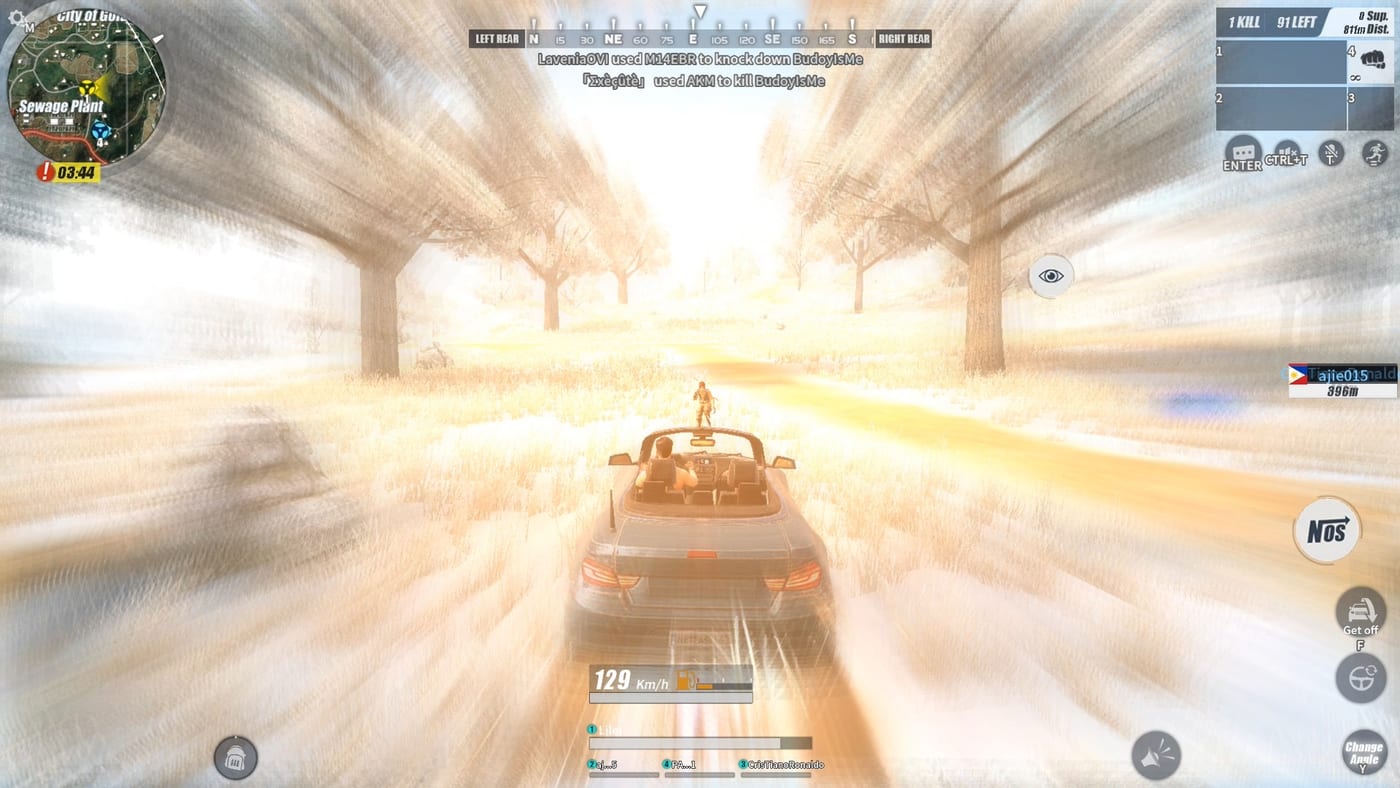
Myth Games has not published final minimum and recommended specs for Rules of Survival Legacy on PC. This page gives practical expectations based on the original Rules of Survival PC client, modern battle royale targets, and what a 100-player circle-closing match demands from your hardware.
ROS Legacy is now live on PC via the Myth Games Launcher. Use these numbers to verify your PC can run the game smoothly. When Myth posts confirmed specs, we will align this page accordingly.
Expected minimum specs (estimate):
These should run classic-scale BR at low settings with a stable frame rate in most fights:
- OS: Windows 10 64-bit
- CPU: Intel Core i5-4590 / AMD FX-8350 or better
- RAM: 8 GB
- GPU: NVIDIA GTX 960 2 GB / AMD Radeon R9 280
- Storage: 40 GB available SSD space
- Network: Broadband, wired Ethernet preferred
Battle royale games hitch when circles force late-game clusters. Minimum specs mean accepting lower render distance and reduced effects during those moments.
Expected recommended specs (estimate):
For 1080p medium-high with headroom for streaming or recording:
- OS: Windows 10/11 64-bit
- CPU: Intel Core i5-10400 / AMD Ryzen 5 3600
- RAM: 16 GB
- GPU: NVIDIA GTX 1660 Super / AMD RX 5600 XT
- Storage: 40 GB on SSD (NVMe ideal)
- Network: Stable 25+ Mbps, low packet loss
Classic ROS rewarded quick looting and fast rotations. Higher frame rates make peeking and drive-by shots feel closer to the experience veterans remember.
Why SSD and RAM matter for BR:
Two under-discussed bottlenecks:
Storage speed: BR maps stream textures and building interiors as you move. A hard drive increases hitching when parachuting into dense towns. Install on an SSD for best performance.
RAM: 8 GB is a floor, not a comfort zone. Background browsers, Discord, and capture tools compete for memory. 16 GB lets you keep community apps open without stutter during final circles.
GPU and settings strategy:
Plan around competitive clarity:
- Lower shadow and post-processing first �?they obscure enemy silhouettes in grass and windows
- Keep render scale at 100% if your GPU allows; drop anti-aliasing before resolution
- Cap frame rate slightly below your monitor refresh to reduce input variance
Review PC keybinds early so settings tweaks do not fight your muscle memory.
Network requirements:
ROS Legacy is online battle royale. Wi-Fi works but Ethernet reduces packet loss during vehicle chases and final zone trades. NAT issues can block voice or matchmaking in some cases �?note your router setup before launch day.
Android requirements (Mirae Labs):
ROS Legacy Mobile runs on Android devices meeting these minimum requirements:
- OS: Android 8.0 or higher
- RAM: 4 GB minimum, 6 GB recommended
- Storage: 3 GB available space
- Processor: Snapdragon 660 / Helio G80 or equivalent
Mobile players should have a stable internet connection for matchmaking. Wi-Fi recommended for lowest latency.
Preparing before you download:
- Compare your PC to the tables above
- Update GPU drivers and Windows
- Free SSD space �?BR clients grow with patches
- Join Discord at discord.gg/roslegacy for announcements
- Read Download Hub for official access paths
Performance tips for classic ROS playstyle:
Legacy aims to restore large lobbies and ranged gunplay. Hardware helps, but habits matter:
- Close unnecessary overlays that inject hooks into games
- Use fullscreen borderless if alt-tabbing to Discord announcements
- Practice aim and loot routes in guides so you are not learning mechanics and settings simultaneously
Squad players should align specs with their role. A designated IGL running Discord and map callouts needs extra CPU headroom. Snipers benefit from stable frame times more than ultra textures.
Related pages:
- Official access: Download Hub
- Community updates: Discord join guide
- Avoid fake installers: Safe download guide
- Gameplay refresh: Getting started
- Loadout planning: Solo loadout
Frequently Asked Questions
Quick answers to the most common questions.
Are these official Myth Games system requirements?
These are estimates based on original Rules of Survival PC behavior and modern battle royale baselines. Myth Games has not published final specs. Check Discord or the Myth site for official numbers when available.
Can I play Rules of Survival Legacy on mobile?
Yes. ROS Legacy Mobile is available via Mirae Labs Pre-OBT for Android. The PC and Mobile versions have different requirements. iOS is not yet available.
Do I need 16 GB RAM?
8 GB may work at low settings, but 16 GB is strongly recommended for Discord, browser guides, and stable late-game circles without stutter.
Will an HDD work instead of an SSD?
You can install on an HDD, but expect longer loads and hitching when dropping into dense loot areas. SSD storage is the best low-cost upgrade for BR.
What GPU do I need for 144 FPS?
Final optimization is unknown. Competitive 144+ FPS at 1080p likely needs an upper mid-range modern GPU such as RTX 3060-class hardware or better, with settings tuned for visibility over effects.